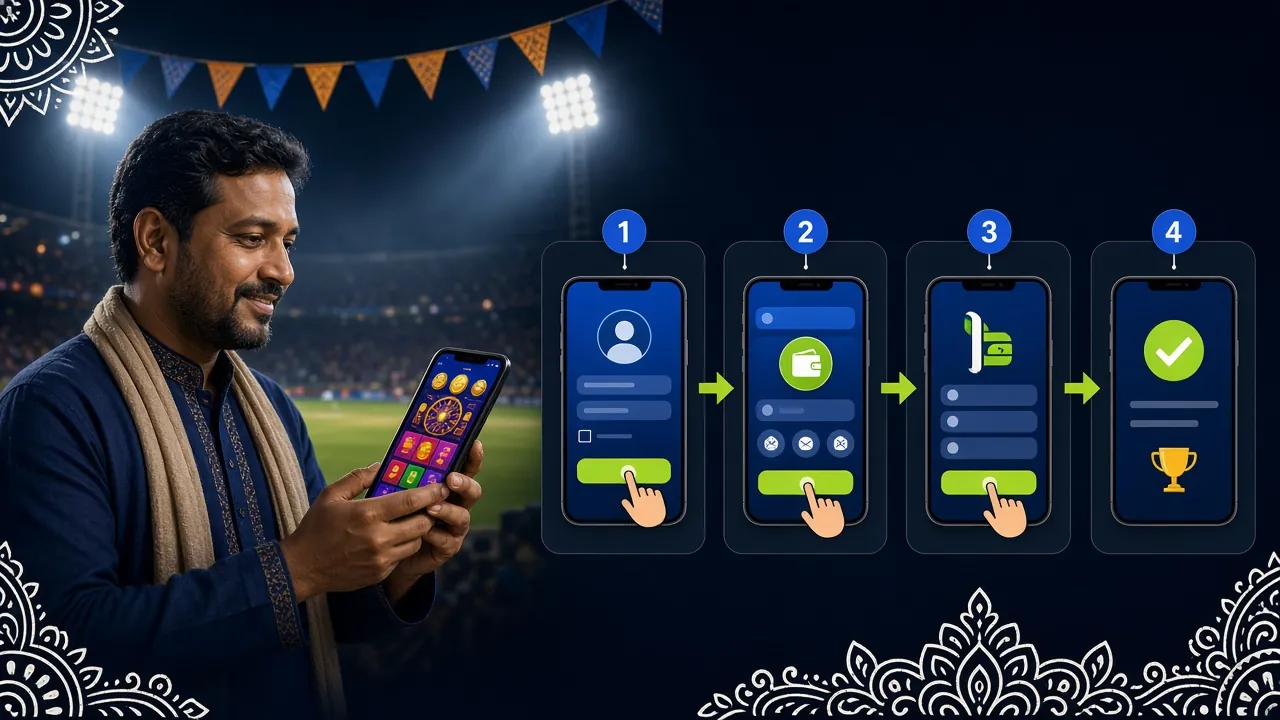
All Payment Methods at a Glance
5gbd accepts five payment methods used every day across Bangladesh. The table below shows the key numbers for each one — use it as a quick reference before you send money.
| Method | Minimum Deposit | Deposit Arrival | Withdrawal Arrival | Fee (5gbd side) |
|---|---|---|---|---|
| bKash | ৳250 | ~3 minutes | ~28 minutes | Free |
| Nagad | ৳250 | ~3 minutes | ~28 minutes | Free |
| Rocket | ৳250 | ~3 minutes | ~28 minutes | Free |
| Upay | ৳250 | ~3 minutes | ~28 minutes | Free |
| Bank Transfer | ৳250 | ~3 minutes | ~28 minutes | Free |
How to Make Your First Deposit
These five steps apply to every payment method on 5gbd. The method-specific instructions further down show the exact screens for each one.
-
1Log in to your 5gbd account Open the 5gbd website or the app. Enter your registered mobile number and password. If you do not have an account yet, register first — it takes under two minutes.
-
2Open the Cashier / Deposit page Tap your wallet balance at the top of the screen, then tap "Deposit". You will see all five payment methods listed.
-
3Select your payment method and enter the amount Choose bKash, Nagad, Rocket, Upay or Bank Transfer. Type the amount you want to deposit — minimum ৳250. The page shows the 5gbd receiving number or account details.
-
4Send the money from your mobile banking app Switch to your bKash, Nagad or other app. Use "Send Money" and paste the number shown on 5gbd. Enter your PIN to confirm. Do not close 5gbd while you do this.
-
5Submit the transaction ID on 5gbd After the mobile banking transaction is confirmed, return to 5gbd, paste the transaction reference number (TrxID or reference) and tap "Confirm Deposit". Your wallet balance updates within about 3 minutes.
bKash Deposit Steps
bKash is the most widely used mobile money service in Bangladesh. Here is the exact flow inside the bKash app.
-
1Open the bKash app and tap "Send Money" Use the "Send Money" option — not "Payment". Payment sends to a merchant account and may not be accepted by 5gbd.
-
2Enter the 5gbd bKash number Copy the bKash number shown on the 5gbd deposit page. Paste it into the recipient field. Double-check the last four digits.
-
3Enter the amount (minimum ৳250) Type your deposit amount. Leave the reference/note field blank or write your 5gbd username if the app asks for a reference.
-
4Confirm with your bKash PIN Enter your 5-digit bKash PIN and hold the confirmation button. You will receive a bKash SMS with a TrxID starting with "TXN" or similar.
-
5Return to 5gbd and submit the TrxID Go back to the 5gbd deposit page, paste the TrxID from the bKash SMS, and tap "Confirm". Balance updates in about 3 minutes.
Nagad Deposit Steps
Nagad is operated by Bangladesh Post Office and is accepted on 5gbd at the same speed and minimum as bKash.
-
1Open Nagad and choose "Send Money" Select the "Send Money" tab. If your Nagad balance is low, top it up from a Nagad agent or via your bank first.
-
2Paste the 5gbd Nagad number Copy the Nagad number from the 5gbd deposit page. Paste it carefully — Nagad does not auto-verify names before sending.
-
3Enter the amount and confirm Minimum ৳250. Confirm with your Nagad PIN. You receive a push notification and an SMS with a reference number.
-
4Submit the reference number on 5gbd Return to your 5gbd deposit page, enter the Nagad reference number, and tap "Confirm". The wallet updates in about 3 minutes.
Rocket Deposit Steps
Rocket (Dutch Bangla Mobile Banking) is popular for its DBBL bank integration. Use these steps to deposit via the Rocket app.
-
1Open the Rocket app and tap "Send Money" You can also use USSD *322# if you do not have the app installed. Navigate to "Send Money" in the main menu.
-
2Enter the 5gbd Rocket account number Copy the Rocket number from the 5gbd cashier. Rocket numbers are usually 11 digits. Enter it exactly as shown.
-
3Confirm amount and PIN Minimum ৳250. Enter your Rocket PIN and confirm. Save the confirmation SMS — it contains the transaction number you need next.
-
4Enter the transaction number on 5gbd Paste the number from the Rocket confirmation SMS into the 5gbd deposit form and tap "Confirm Deposit".
Upay & Bank Transfer
Upay is a newer MFS service with a clean app experience. Bank Transfer suits players who prefer to send directly from their DBBL, Dutch Bangla, or other bank account.
-
1Open Upay and tap "Send Money" Log in with your registered mobile number and select "Send Money" from the home screen.
-
2Enter the 5gbd Upay number Paste the number shown in the 5gbd cashier. Enter amount (minimum ৳250) and confirm with your PIN.
-
3Submit transaction ID on 5gbd Copy the reference from your Upay confirmation screen or SMS and paste it into the 5gbd deposit form.
-
1Select Bank Transfer in the 5gbd cashier The cashier displays the 5gbd bank account name, account number and routing number. Screenshot this page before leaving.
-
2Log in to your bank's app or internet banking Start a fund transfer. Enter the 5gbd account details exactly. Use your 5gbd username as the transfer reference where the form allows.
-
3Submit the bank transaction reference on 5gbd Bank transfers also arrive in about 3 minutes once processed. Submit the reference number and tap "Confirm Deposit".
What Bonus Do You Get on Your First Deposit?
Your first successful deposit on 5gbd qualifies you for the welcome bonus. Here are the terms in plain numbers:
Why Did My Deposit Fail?
Most failed deposits are caused by one of these issues. Check the table, fix the problem, then try again. If none of these apply, contact 24/7 Live Chat with your transaction reference.
| Error / Symptom | Most Likely Cause | What to Do |
|---|---|---|
| Money left bKash but wallet not updated | TrxID not submitted on 5gbd, or submitted incorrectly | Check your bKash SMS for the exact TrxID. Go back to the deposit form and re-submit it. Wait 3 minutes. |
| Transaction rejected immediately | Wrong receiving number or the number expired | Refresh the 5gbd deposit page to get a fresh number. Never reuse a number from a previous session. |
| Deposit held for manual review | Sending mobile number does not match account | Always send from the number you registered on 5gbd. If you changed your number, update it in account settings first. |
| Amount below minimum | Sent less than ৳250 | The minimum deposit is ৳250. Any amount below this will not be credited. Contact Live Chat to arrange a refund. |
| bKash/Nagad shows "insufficient balance" | Low wallet balance | Top up your mobile wallet first, then return to the 5gbd cashier and start a new deposit session. |
| Deposit still pending after 10 minutes | Payment processor delay or manual hold | Contact 5gbd Live Chat and share the transaction reference number. Support is available 24/7. |
Reload Bonus on Every Subsequent Deposit
The welcome bonus is a one-time offer, but every deposit after that qualifies for the daily reload bonus. Here are the numbers:
Full bonus terms, VIP cashback rates and reload details are on the 5gbd Bonus & VIP page.
Common Questions About Deposits
Quick answers to what players ask most when topping up their 5gbd wallet.
Full FAQWhat is the minimum deposit on 5gbd?
How long does a deposit take to arrive?
Does 5gbd charge a deposit fee?
Can I deposit from someone else's bKash account?
I sent money but forgot to submit the TrxID — what happens?
Can I deposit using the 5gbd app?
Is the welcome bonus applied automatically after I deposit?
Ready to Make Your 5gbd Deposit?
You need an account before you can deposit. Registration takes under two minutes — just your mobile number, a password and a few details. Once in, top up with ৳250 and claim your 195% welcome bonus up to ৳15,000.
18+ · Play Responsibly · Min deposit ৳250